Turn Your Bluetooth
Earphones into a
Sound Amplifier.
Hear Voices
Clearer.
Your phone's microphone picks up the sound around you. ClearTone makes speech louder, turns background noise down, and plays it through the Bluetooth earphones you already own. Your audio is processed on your phone and is never recorded or uploaded.
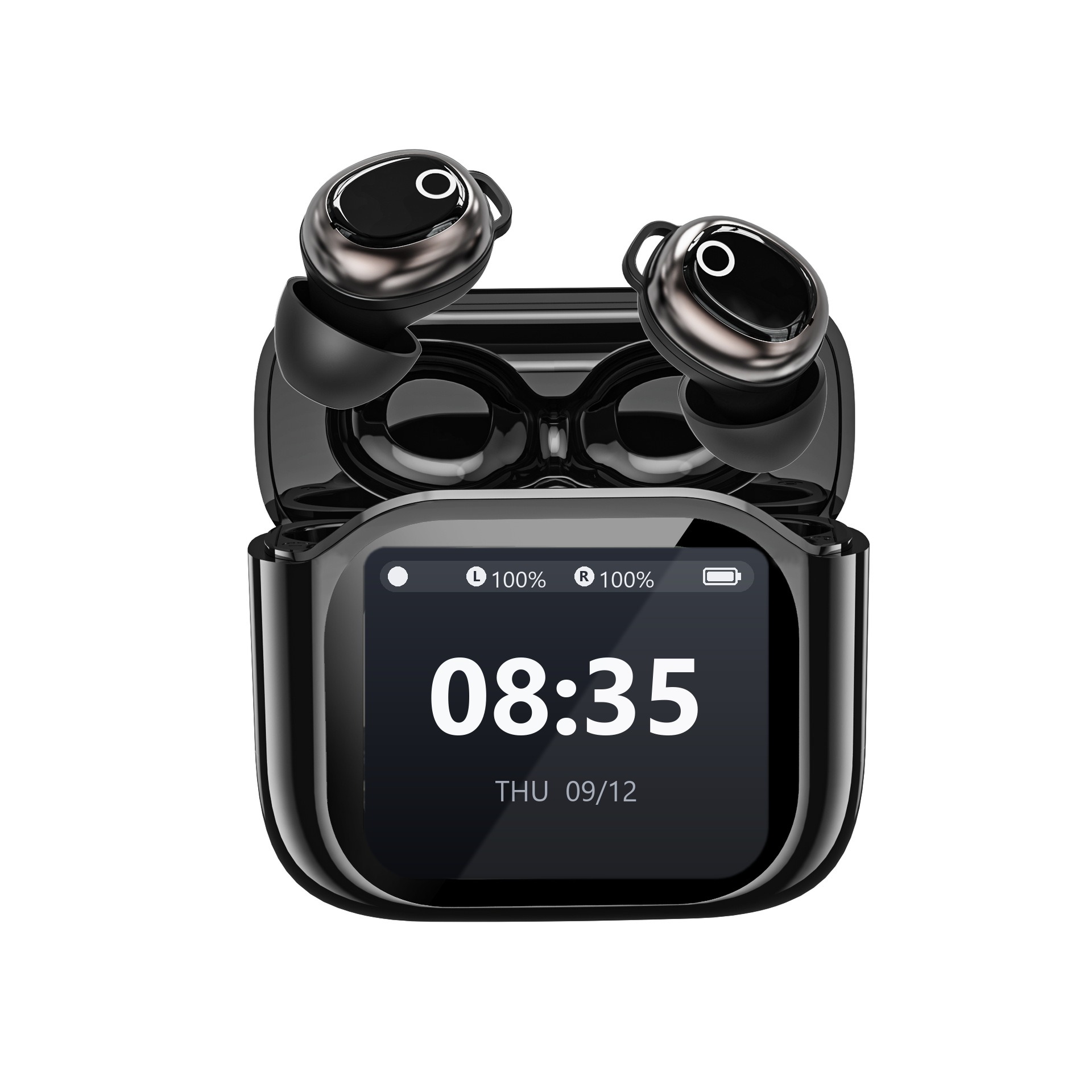
Real-Time Audio Engine
Sound is processed by a native real-time audio engine on your phone. Bluetooth earphones add a short delay of their own (usually around 0.4 seconds) — most of it comes from Bluetooth itself.
Neural Noise Reduction
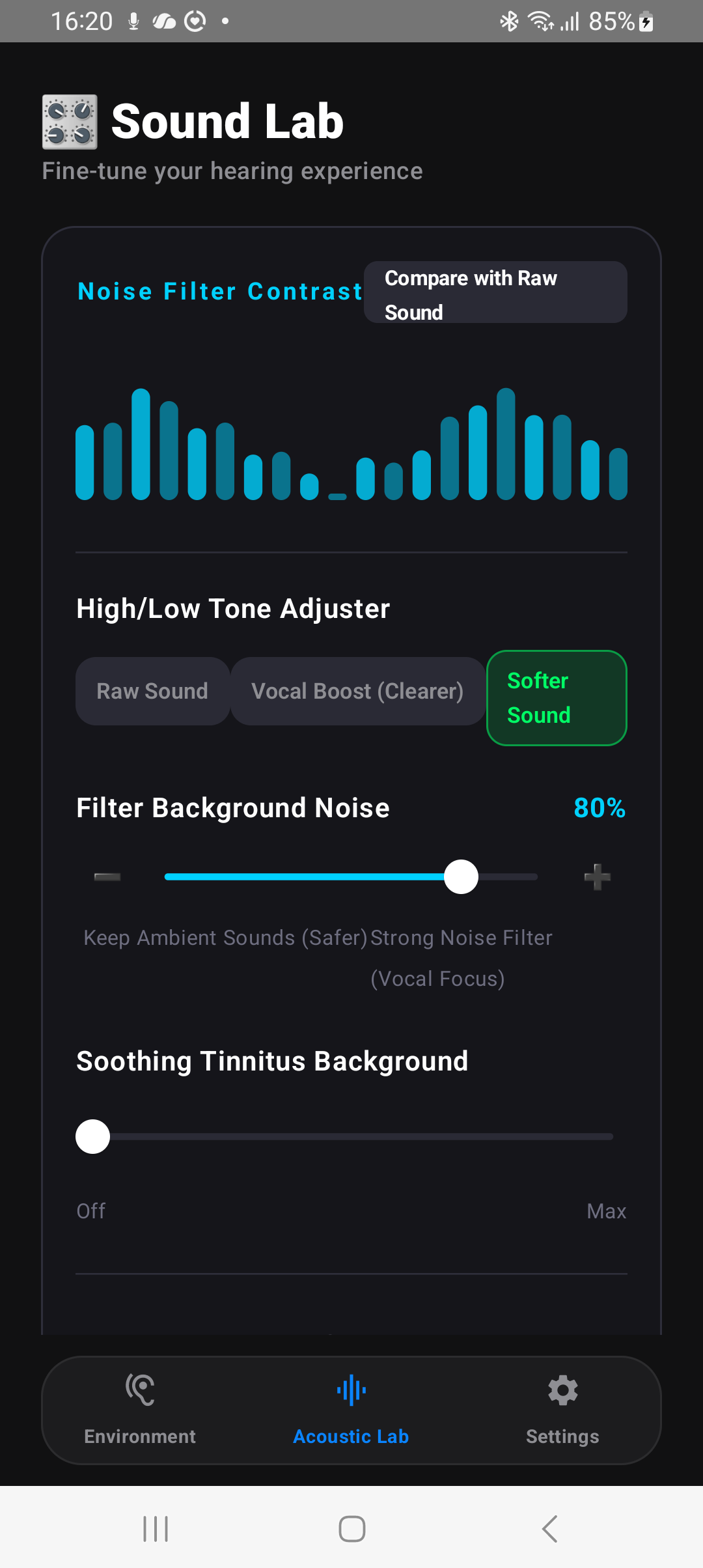
On-device noise reduction (RNNoise) turns down background noise such as fans, air-con and traffic hum. It works best on steady noise; other people talking nearby is harder to remove. The sound is processed entirely on your phone.
Separate Left/Right Volume
Set each ear's volume on its own, so both sides sound comfortable to you.
Beyond Hardware.
Your Phone Does the Work.
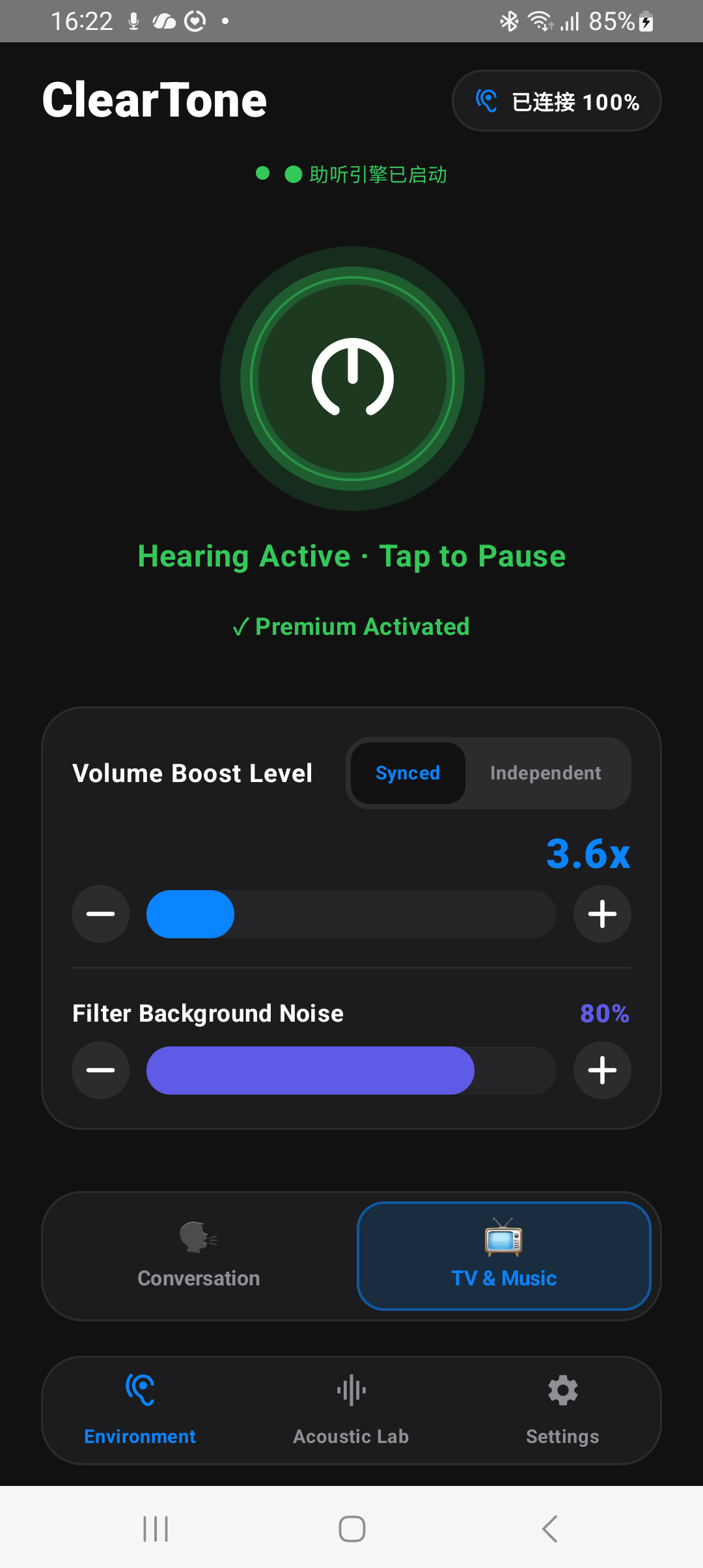
Turning up the volume alone makes background noise louder too. ClearTone processes the sound on your phone first — turning background noise down and lifting the frequencies speech lives in — before it reaches your earbuds.
-
Adjustable Noise Filter:
Dial background noise suppression from 0 to 100% to match a quiet room or a busy hawker centre. -
Personal Sound Profile:
A short in-app sound check plays six test tones to each ear and sets how much each frequency range is boosted. It is not a hearing test. -
Simple Setup:
Pair your earphones in Bluetooth settings as usual, open the app and press one big start button.
7 days of full access, no payment method required. After that, a subscription or one-time purchase keeps ClearTone working.
Why ClearTone?
How ClearTone compares with free volume apps — and when to see a professional instead.
Free Volume Apps
- ✗ Usually turn everything up, background noise included
- ✗ Usually no per-ear sound calibration
- ✗ Often supported by ads
When to See a Professional
- ℹ Hearing that changed suddenly, or one ear much weaker than the other
- ℹ Ringing in the ears, ear pain, dizziness or discharge
- ℹ Diagnosed hearing loss — a clinic-fitted device is the right choice
ClearTone Pro
- ✓ On-Device Processing: Turns background noise down and lifts speech — your audio is never recorded or uploaded.
- ✓ Discreet: Uses your own earphones. Looks like everyday listening.
- ✓ Personal Sound Profile: Six test tones per ear set how much each frequency range is boosted.
- ✓ Low cost: Free 7-day trial, then a subscription or a one-time purchase. Works with the earbuds you already own.
Life is too short for bad sound quality.